

AusUDID submission methods
Learn about the different ways you can submit UDI records to the AusUDID.
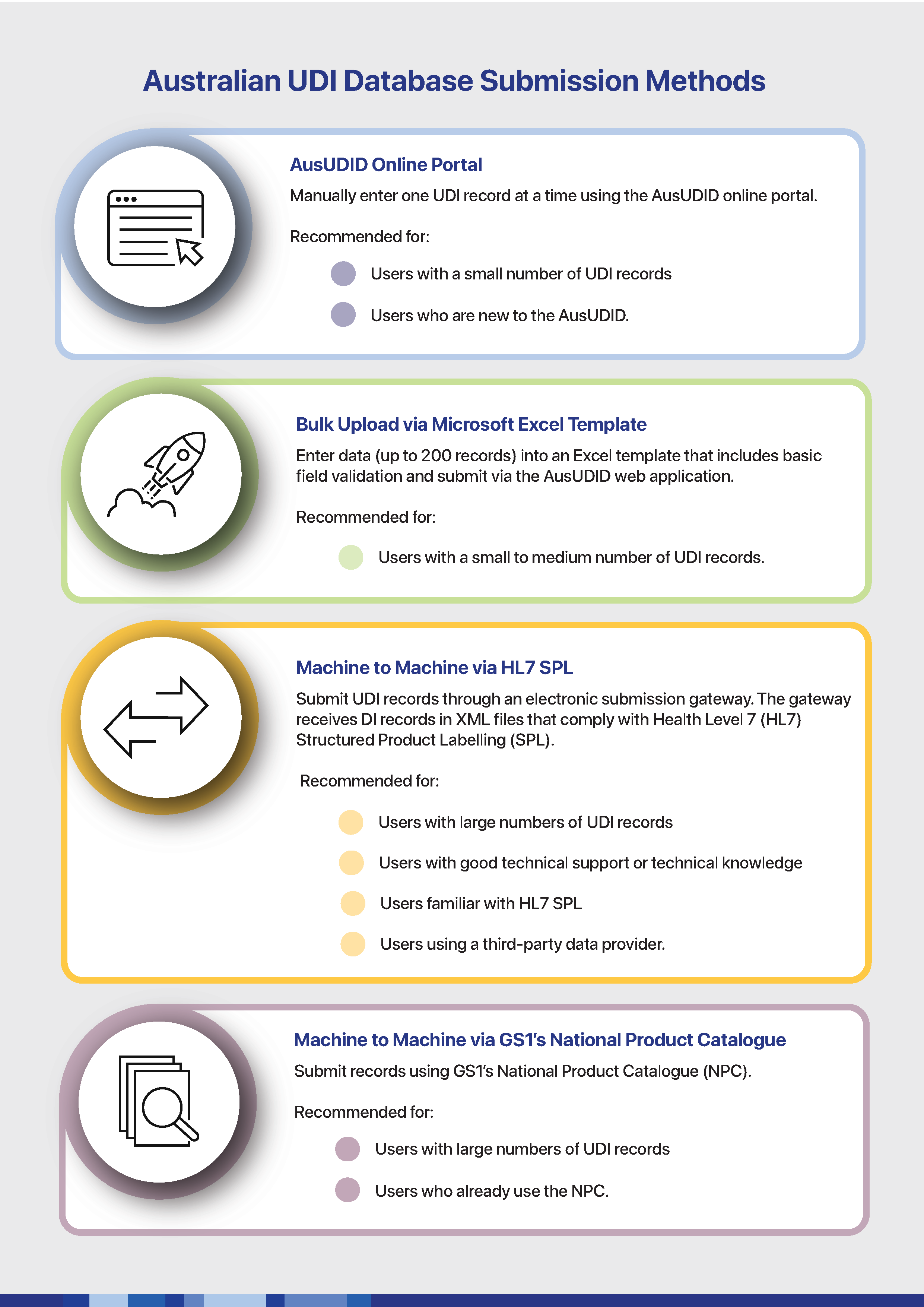
You can submit UDI records to the Australian Unique Device Identification Database (AusUDID) using 4 methods. Each method suits different users and different volumes of UDI records.
We recommend that you test your chosen submission method in the AusUDID Pre-Production environment. Some methods, such as HL7 SPL, require specific testing in AusUDID Pre-Production before you can submit UDI records to AusUDID Production.

Submitting UDI records using the online portal
The online portal lets you submit one UDI record at a time. This method suits users with a low number of UDI records or users new to the AusUDID.
Any member of your organisation can submit UDI records, but you must have a TGA Business Services (TBS) login and the TBS role of Submitter to publish the UDI records.
You can find instructions on using the portal here: Submitting UDI records using the AusUDID portal.
Submitting UDI records using the Australian UDI Bulk Upload Template
You can submit up to 200 UDI records at a time using the Australian UDI Bulk Upload Template. This method suits users with a low to medium number of UDI records.
Any member of your organisation can fill out the template, but you must have a TBS login and the TBS role of Submitter to upload it.
Tip
If both the sponsor and manufacturer want to contribute data:
- the manufacturer can add device data into the template
- the sponsor can add sponsor-specific data and submit the final template.
You can find instructions on using the template here: Submitting UDI records using the Australian UDI Bulk Upload Template.
Submitting UDI records using machine to machine HL7 SPL
You can submit many UDI records using the machine to machine HL7 SPL method. This method suits users with a high number of UDI records and experience with HL7 SPL.
Sponsors may use a third party data provider or manufacturer to submit UDI records on their behalf using HL7 SPL.
You do not need a TBS account to submit UDI records using HL7 SPL. However, a TBS user must generate the credentials that are used in the HL7 SPL message.
You can find more information on HL7 SPL here: Submitting UDI records using HL7 SPL.
Submitting UDI records using GS1’s National Product Catalogue
You can submit UDI records using GS1’s National Product Catalogue (NPC). This method suits users with a medium-to-high number of UDI records and those already using the NPC.
For access or support, contact GS1 at NPC.SupplierEngagement@gs1au.org.
You can find more information on using the NPC here: Submitting UDI records using GS1’s National Product Catalogue.
Page history
Original publication
Original publication