We’re experiencing issues with our datasets and search. We apologise for any inconvenience while we work to fix this.


You can use the AusUDID portal to create, review, edit and manage UDI records.
To be able to submit UDI records:
- you must log in using your TBS account
- you must hold the TBS system role of Drafter or Submitter to draft UDI records
- you must hold the TBS system role of Submitter to publish UDI records.
For more information on roles, see: AusUDID roles and responsibilities.
For more information on logging into the AusUDID, see: Accessing the AusUDID.
Tips
Before submitting UDI records to AusUDID Production:
- gather all data before you begin
- use the Australian UDI Data Dictionary to understand data elements and rules
- test your submissions in the AusUDID Pre-Production environment before submitting to AusUDID Production.
Creating UDI records
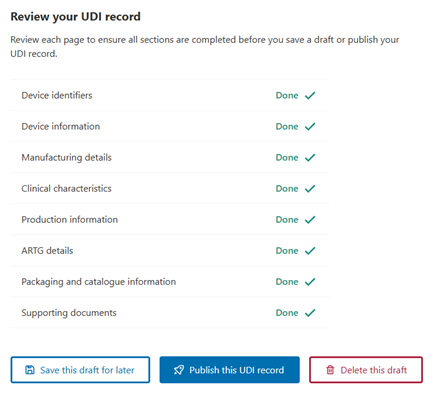
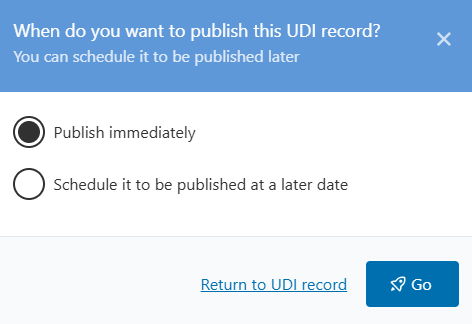
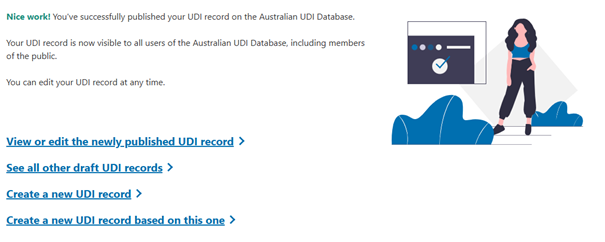
To draft and publish UDI records:
- Log into the AusUDID.
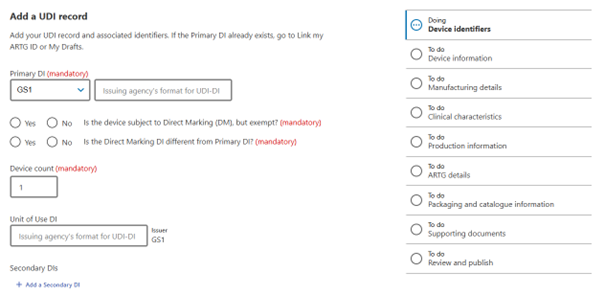
- Select the Add UDI record tab in the UDI Management Centre.